
'%3e%3cpath%20d='M19.3359%2018.2109L14.7344%2013.6094C15.875%2012.2188%2016.5625%2010.4375%2016.5625%208.49609C16.5625%204.04297%2012.9492%200.429688%208.49609%200.429688C4.03906%200.429688%200.429688%204.04297%200.429688%208.49609C0.429688%2012.9492%204.03906%2016.5625%208.49609%2016.5625C10.4375%2016.5625%2012.2148%2015.8789%2013.6055%2014.7383L18.207%2019.3359C18.5195%2019.6484%2019.0234%2019.6484%2019.3359%2019.3359C19.6484%2019.0273%2019.6484%2018.5195%2019.3359%2018.2109ZM8.49609%2014.957C4.92969%2014.957%202.03125%2012.0586%202.03125%208.49609C2.03125%204.93359%204.92969%202.03125%208.49609%202.03125C12.0586%202.03125%2014.9609%204.93359%2014.9609%208.49609C14.9609%2012.0586%2012.0586%2014.957%208.49609%2014.957Z'%20fill='%23535B62'/%3e%3c/g%3e%3cdefs%3e%3cclipPath%20id='clip0_12799_29299'%3e%3crect%20width='20'%20height='20'%20fill='white'/%3e%3c/clipPath%3e%3c/defs%3e%3c/svg%3e)

3D CAD vs. 3D Modeling
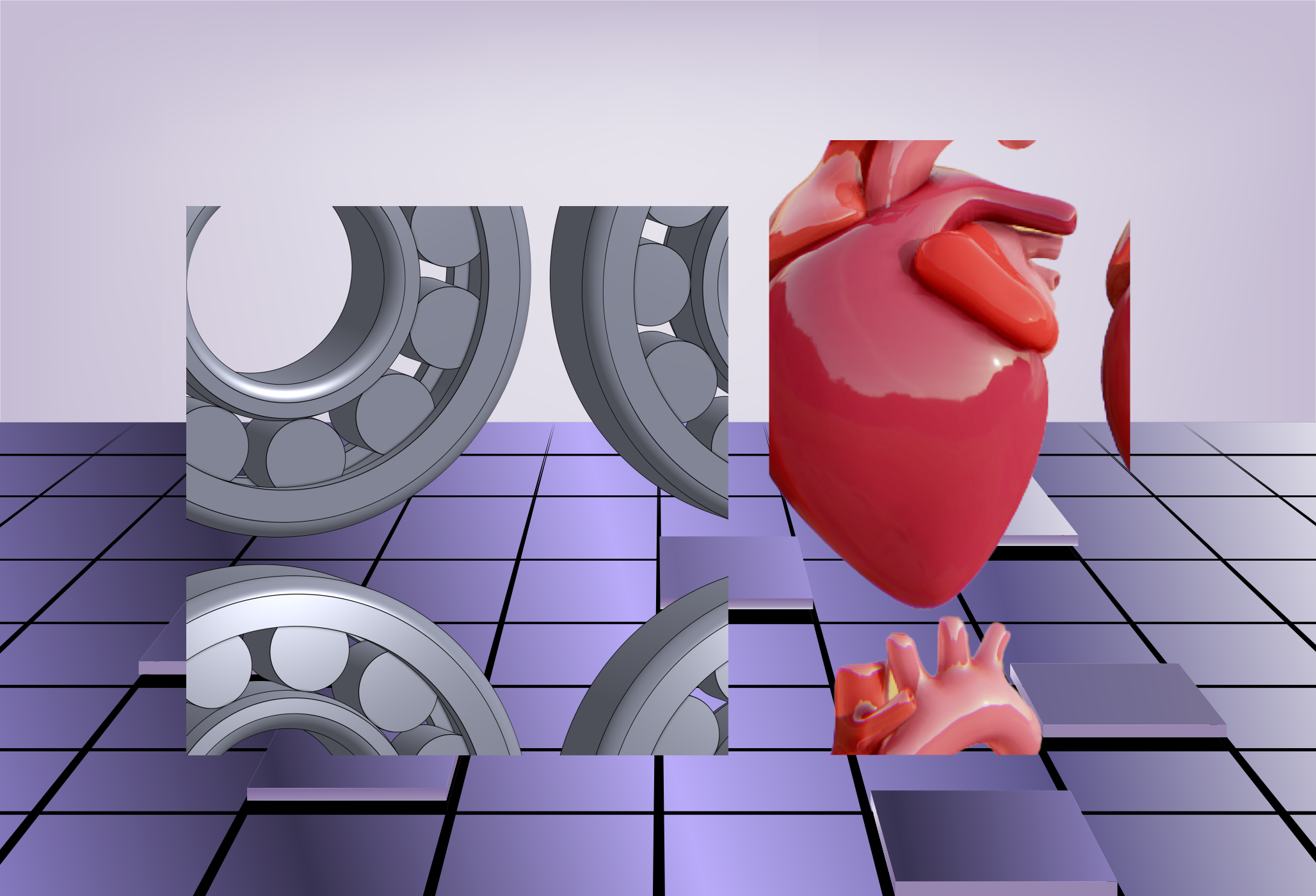
Computer-Aided Design (CAD) and 3D modeling software are often mentioned together, but they serve very different purposes. Understanding these differences is essential for engineers and product designers looking to choose the right tool for the job. While CAD is primarily used to create highly accurate 2D and 3D designs for engineering and manufacturing, 3D modeling software is more commonly used for creative and visual design in industries like animation, gaming, and film.
In this article, we’ll explore the technical and practical differences between CAD and 3D modeling software, and help you determine which option fits your needs best.
What is CAD?
CAD (Computer-Aided Design) is a type of software used by engineers, architects, and designers to create detailed 2D drawings and 3D models of real-world objects. CAD software is known for its precision and ability to handle complex geometry. It’s widely used in industries like mechanical engineering, automotive, aerospace, construction, and industrial design.
CAD comes in two forms:
- 2D CAD: Used to create floor plans, mechanical schematics, and technical drawings. While considered older technology, 2D CAD remains essential for documentation and manufacturing.
- 3D CAD: Used to design three-dimensional, geometry-based models. These models contain data about dimensions, tolerances, materials, and assembly relationships, making them ideal for simulation and production.
Advantages of CAD:
- High Accuracy: Input exact dimensions and constraints for engineering-grade precision.
- Design Control: Modify features at any stage of the process.
- Versatility: Create both 2D schematics and 3D models.
- Collaboration: Share and manage files across teams with version control.
- Manufacturing Integration: Export files directly to CNC machines or generate bills of materials (BOM).
What is 3D Modeling?
3D modeling software focuses on creating three-dimensional visual representations of objects. It's widely used in entertainment, architecture visualization, medical animation, and concept design. These tools prioritize artistic freedom and realism, offering features like sculpting, texture painting, and animation.
While 3D modeling is a part of many CAD programs, dedicated modeling software usually lacks the engineering features needed for manufacturing.
Advantages of 3D Modeling:
- Visual Realism: Add textures, lighting, and shadows for lifelike designs.
- Creative Flexibility: Experiment with shapes, colors, and surfaces.
- Ease of Use: More intuitive for beginners and artists.
- Cost-Effective: Typically less expensive than full-featured CAD systems.
- Team Collaboration: Easy to share files for visual review or creative input
CAD vs. 3D Modeling: Technical Comparison
| Feature | CAD (Computer-Aided Design) | 3D Modeling |
| Primary Purpose | Precision engineering, technical drawings | Visual design, animation, and conceptual art |
| Focus Area | Dimensions, geometry, tolerances, constraints | Shape, texture, lighting, and aesthetic detail |
| Usage Context | Engineering, manufacturing, architecture | Games, films, product visualization, digital sculpting |
| Output Format |
DWG, DXF, STEP, IGES |
OBJ, FBX, STL, 3DS |
| Precision Level |
Extremely precise with units and standards |
Artistic and visual fidelity over technical accuracy |
|
Design Intent |
Functional, build-ready designs | Stylized, conceptual, or animated visuals |
Which One Is Right for You?
If your goal is to design real-world, functional parts or assemblies that will be manufactured, CAD is the clear choice. It ensures dimensional accuracy, maintains design intent, and integrates with other engineering tools. On the other hand, if you’re focused on visual storytelling, animation, or early-stage conceptual design, 3D modeling software offers the flexibility and visual detail you need.
HVH Designer: A Modern CAD Solution for Engineers
For engineers looking for a powerful, browser-based CAD tool, HVH Designer is worth considering. It combines the precision and control of traditional CAD software with the accessibility of the cloud.
- Create accurate 3D parametric models without installing software
- Collaborate with teammates in real-time from any device
- Manage projects with built-in part libraries and export tools
- Supports industry-standard formats like STEP and STL
Whether you're designing parts for prototyping, production, or documentation, HVH Designer gives you the tools you need in a simple, cloud-based workspace.